Cooling, Lighting and Drawers
Watch the video: What's inside the P-EDC
Cooling
Air comes in at the front, passes through the case and leaves at the rear. The fans sit at the back of the top rear drawer. They start when the top drawer reaches about 25 °C (77 °F) and speed up as it gets warmer.
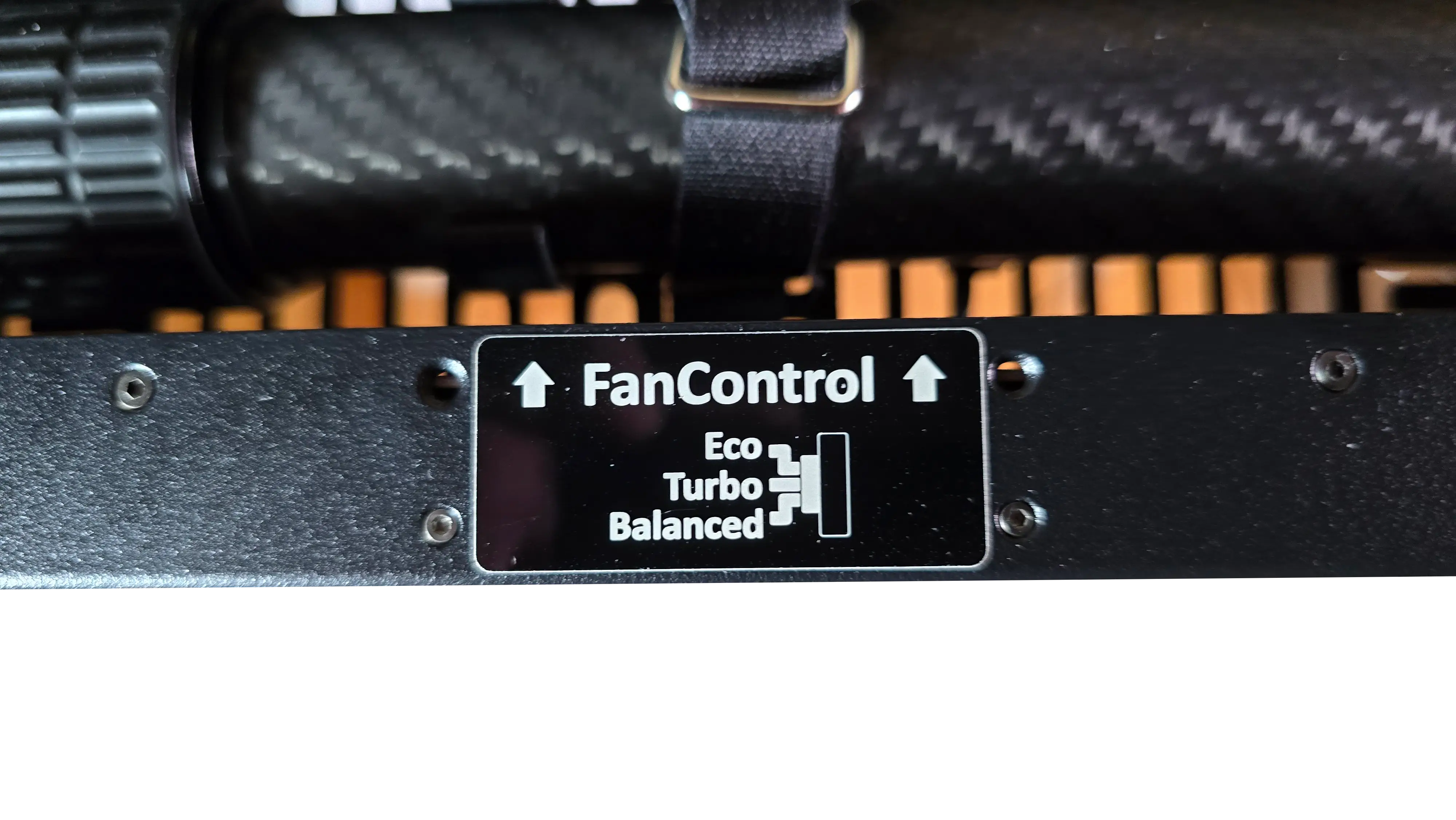
While the P-EDC runs, keep the top drawer empty, including the accessory pouch; anything inside blocks airflow. The lower drawer is a good place for those items. Pulling the top drawer far out stops the fans, so close it as soon as you're done.
Fan profiles
A 3-position switch on the fan panel inside the top drawer sets the profile. Positions are labelled Eco, Turbo (middle) and Balanced. The switch position is the active profile, and it stays set after a restart.
| Profile | Fan speed | Use it for |
|---|---|---|
| Eco | 2800 RPM at 25 °C, up to 4000 RPM at 45 °C | Quiet rooms, light loads, cool ambient (below 20 °C) |
| Balanced (default) | 3200 RPM at 25 °C, up to 4600 RPM at 45 °C | Most deployments |
| Turbo | 3600 RPM at 25 °C, maximum from 40 °C | Hot rooms (above 25 °C), heavy loads, dusty sites. Loud |
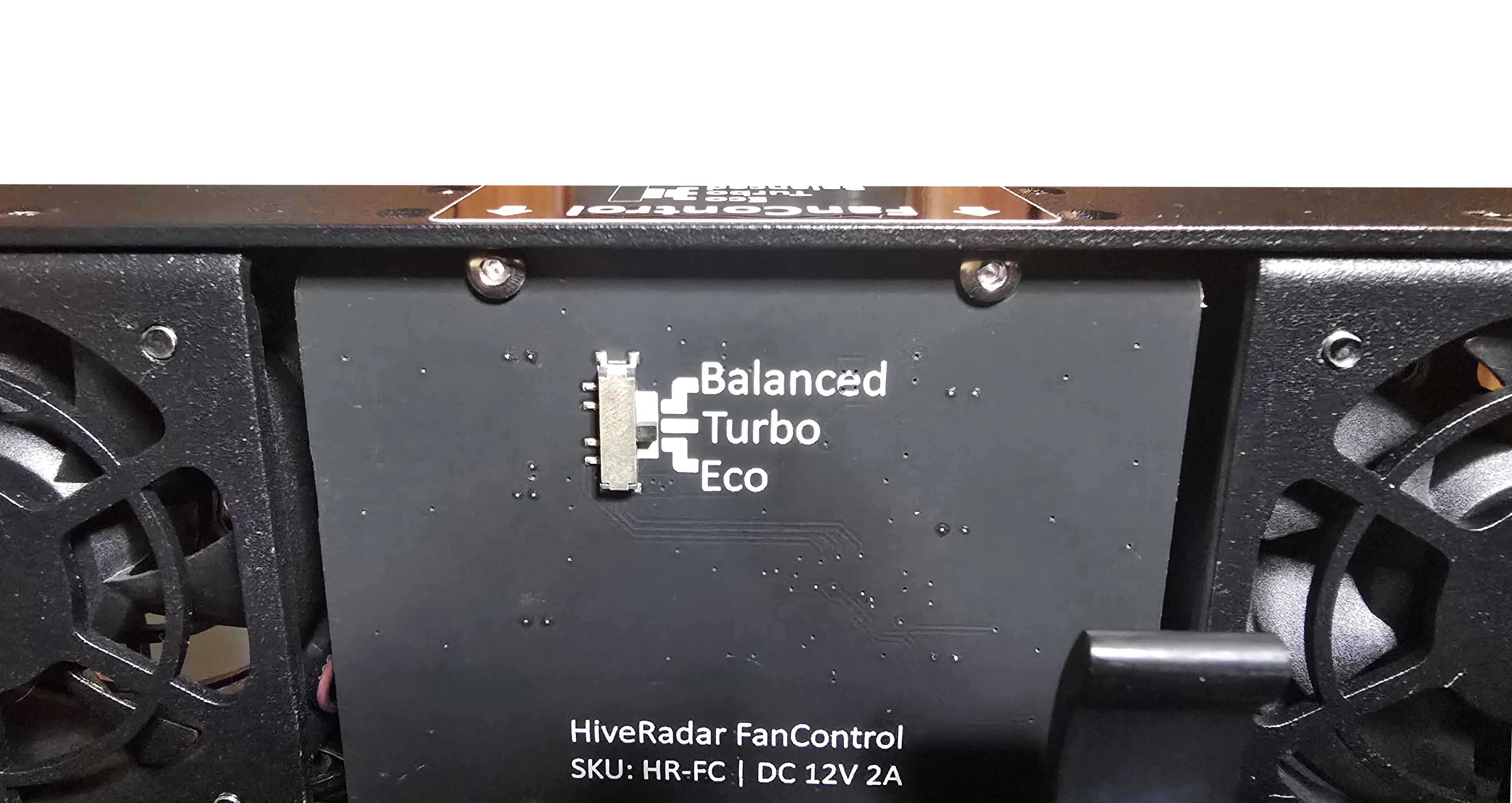
Is it working? Once warm, you should hear a steady hum and feel warm air at the rear. Fans silent in a warm unit, or the unit running hot on Turbo: see Troubleshooting.
Lighting
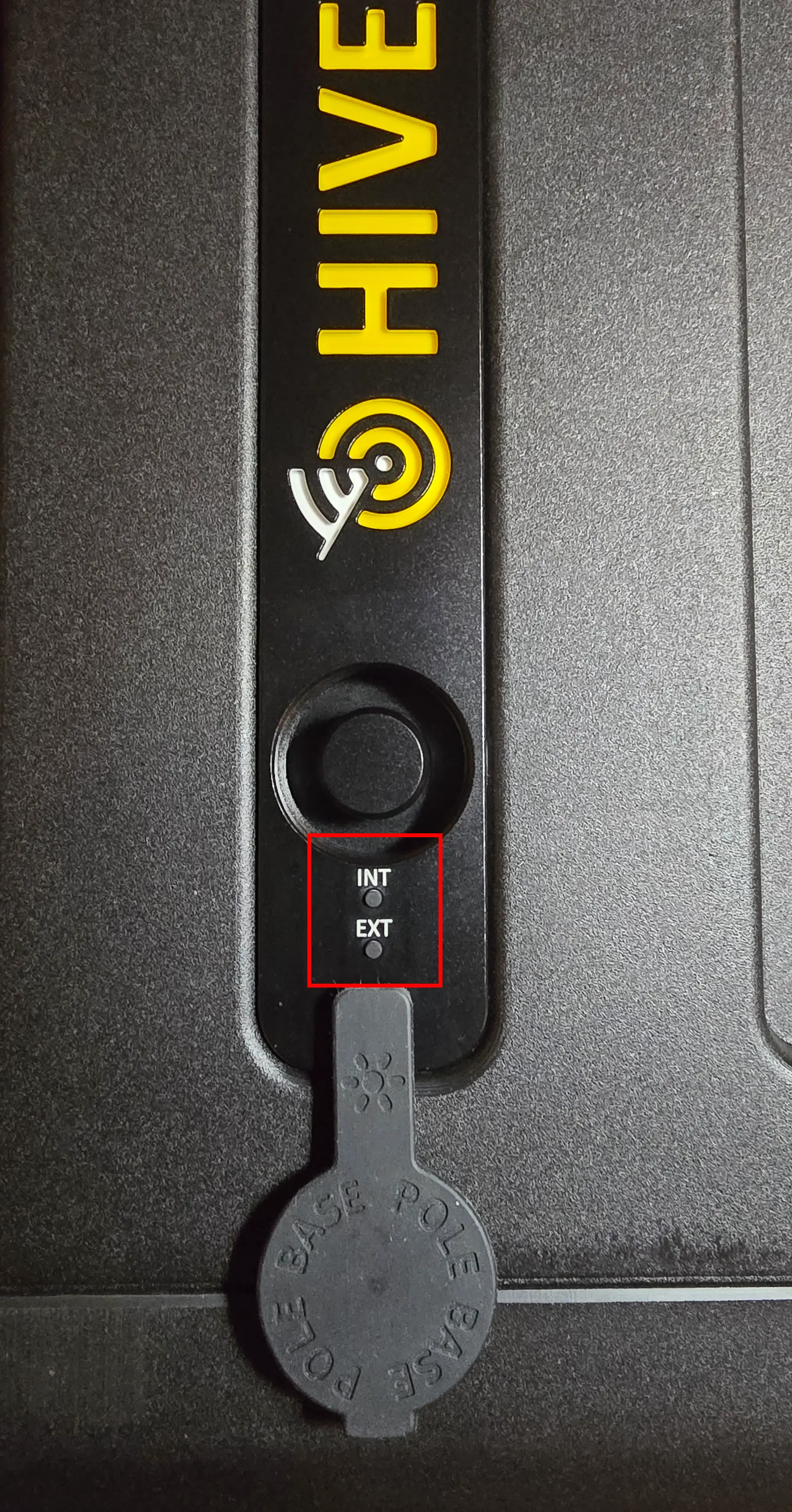
Two buttons on the logo plate, next to the pole mount, control the LEDs. The logo plate is on the side of the case, and on top when the P-EDC is deployed.
| Button | Controls | Each press |
|---|---|---|
| Interior | LEDs on the front compute rack, the rear storage racks and the drawers | Full, half, off |
| Exterior | The HiveRadar logo plate | Full, half, off |
Both start at full brightness and keep your last setting after a restart. The LEDs are yellow.
Drawers
Watch the video: Operating the drawers
- Turn both twist locks on the sides of the drawer about 90°, either way.
- Pull the fold-out handle away from the LED tiles and slide the drawer out.
- To close, push it in until it clicks, fold the handle flat and turn both locks back over the drawer edges.
The drawers get power through their rails. Pulled out past about 16 in (40 cm) for the top drawer or 8 in (20 cm) for the bottom drawer, a drawer loses power: its LEDs go off, and in the top drawer the fans stop. It's not harmful, but close it again quickly while the unit is running.
- NUC PRO
- HR-01-2
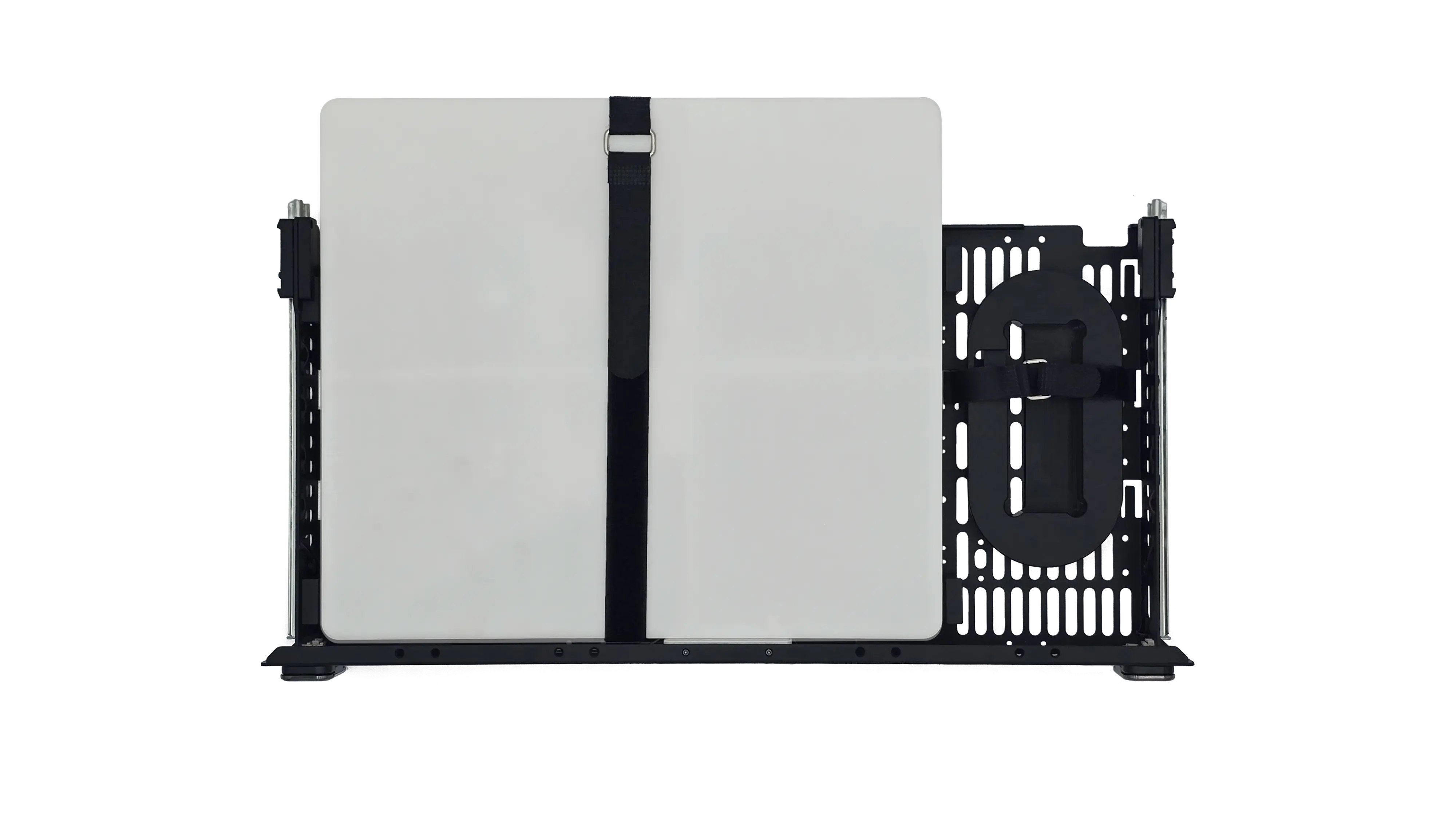
| Drawer | Holds |
|---|---|
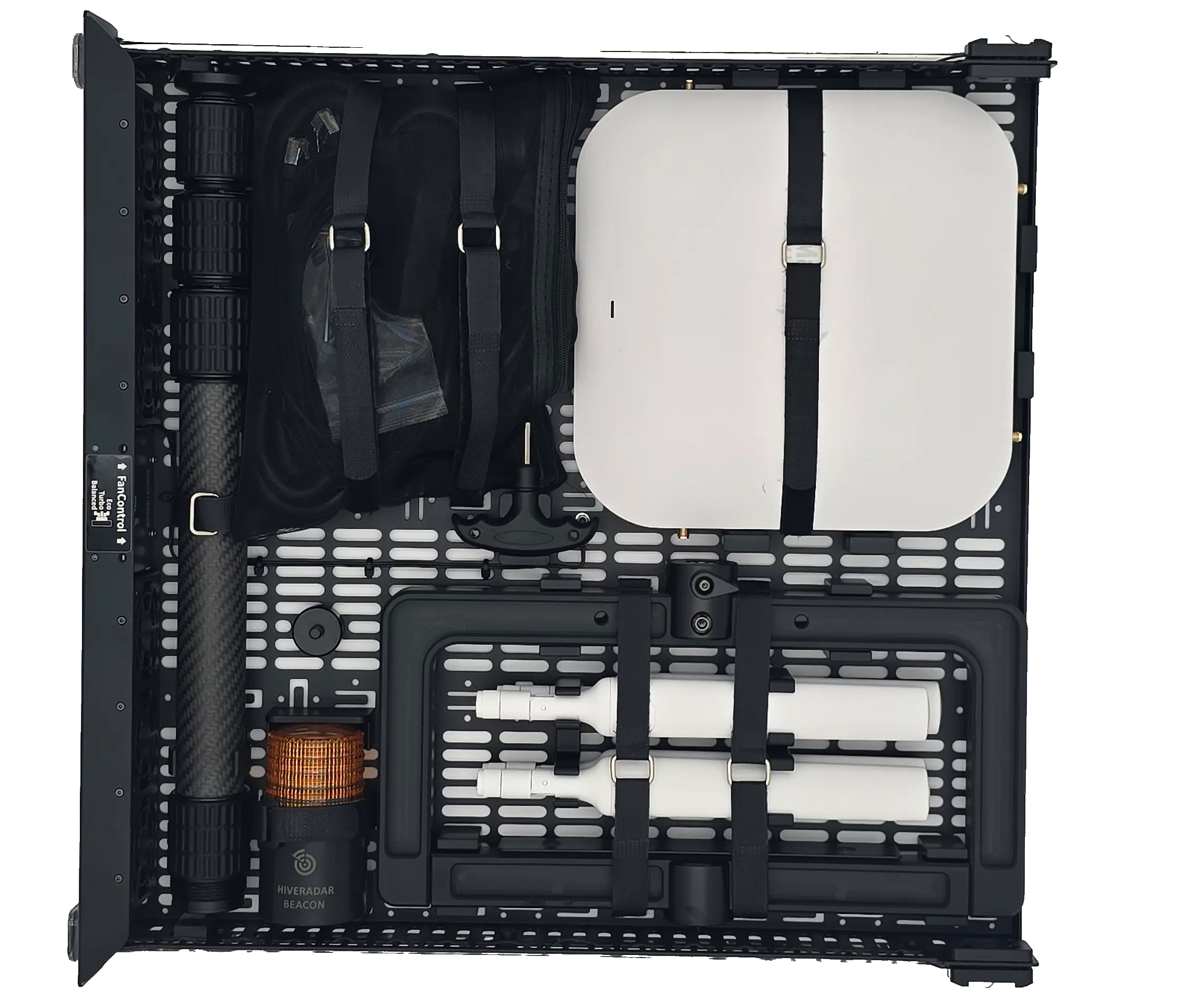
| Top (full depth) | Main pole, T-bar, beacon, hex key, accessory pouch, gateway and antennas. Empty it while running |
| Bottom (short) | A Starlink Mini and its cable (not included), or cables, tools and spares |
A Starlink Mini's power supply needs a short extension cord to reach a free PDU outlet.
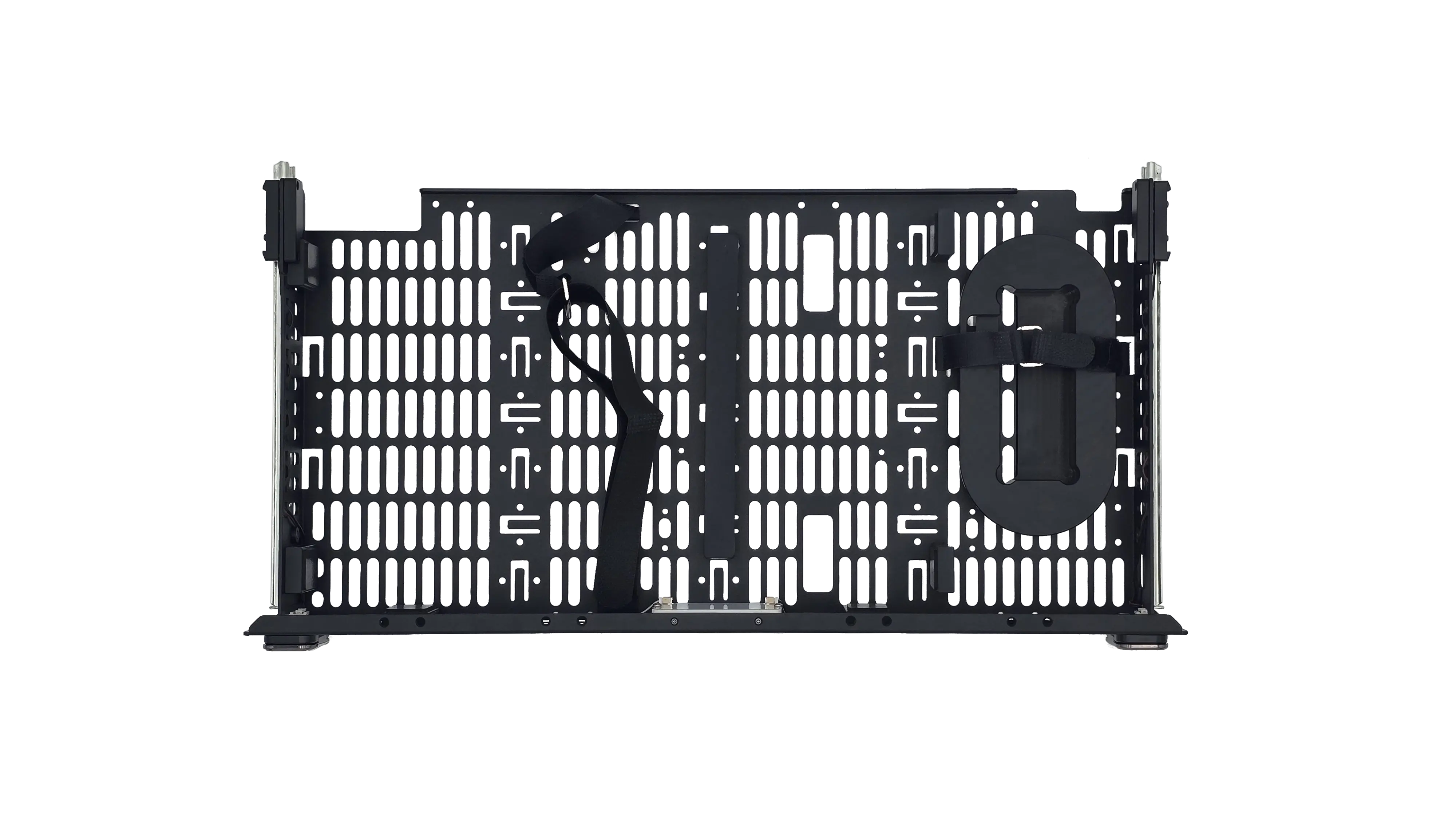
| Drawer | Holds |
|---|---|
| Top (full depth) | Main pole, T-bar, beacon, hex key, accessory pouch, gateway and antennas. Empty it while running |
| Bottom (shorter) | Cables, tools, spare transceivers. Too short for a Starlink Mini; use the optional Starlink backpack |
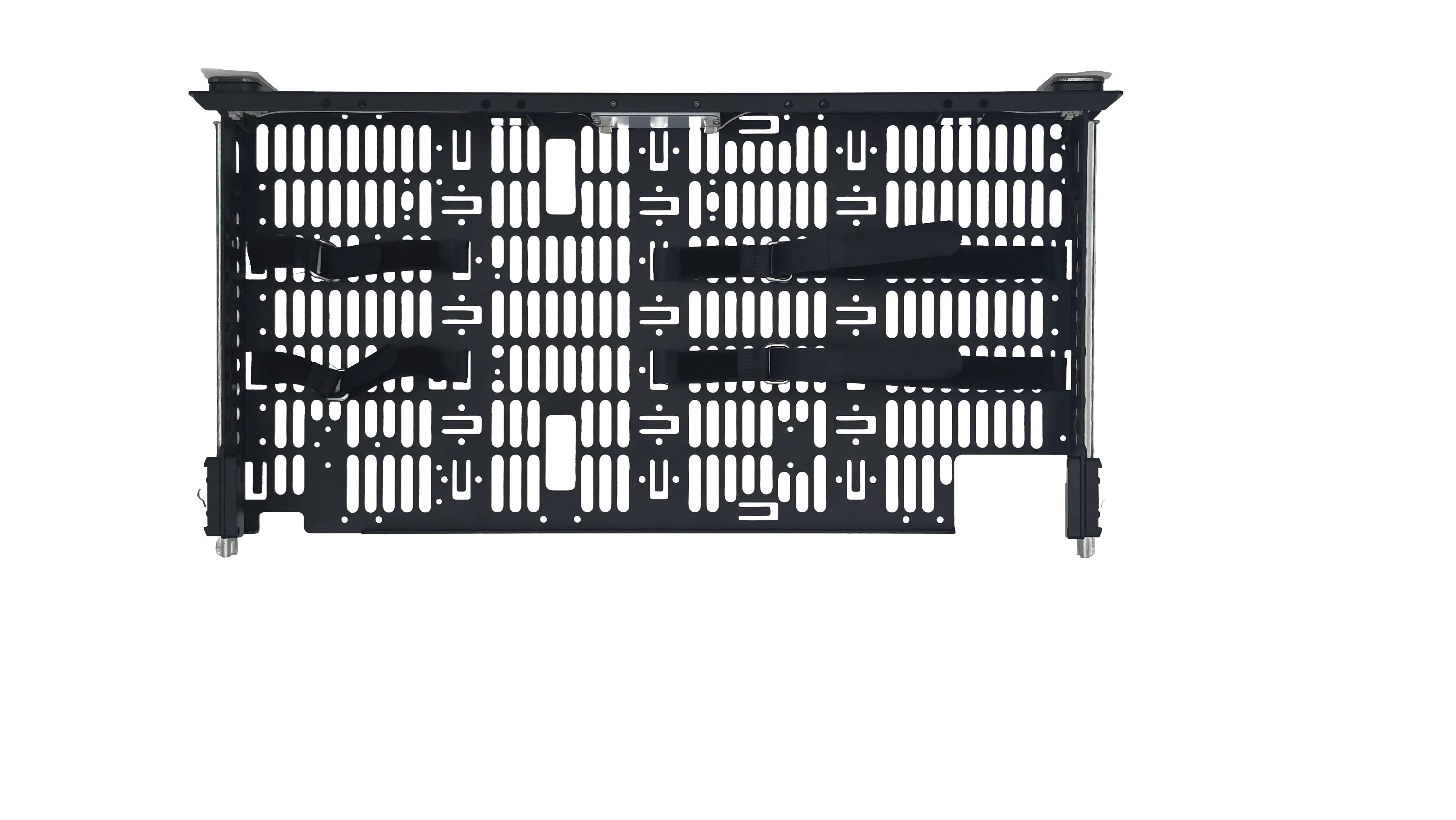
Top drawer (shown on a NUC PRO with a Mako 5600; the HR-01-2 top drawer holds the same items):